The new era of screen recordings

Motion is the modern screen recorder for creating engaging, smooth videos with effortless editing and full creative control.

Download for Windows

v1.11.1 | Windows 10 + 11

A Powerful Editor

Leverage Motion's completely custom-built editor designed for speed and precision for all kind of videos.
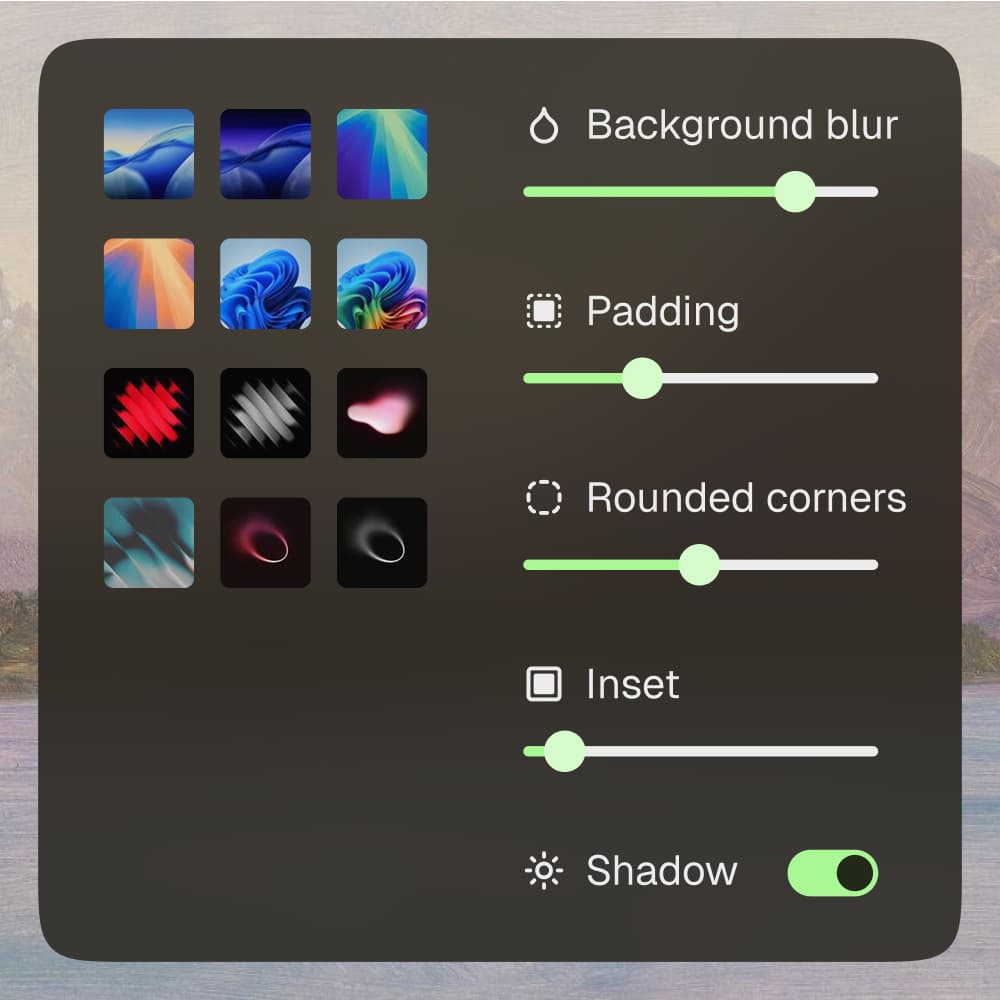
Background Settings
Background Settings

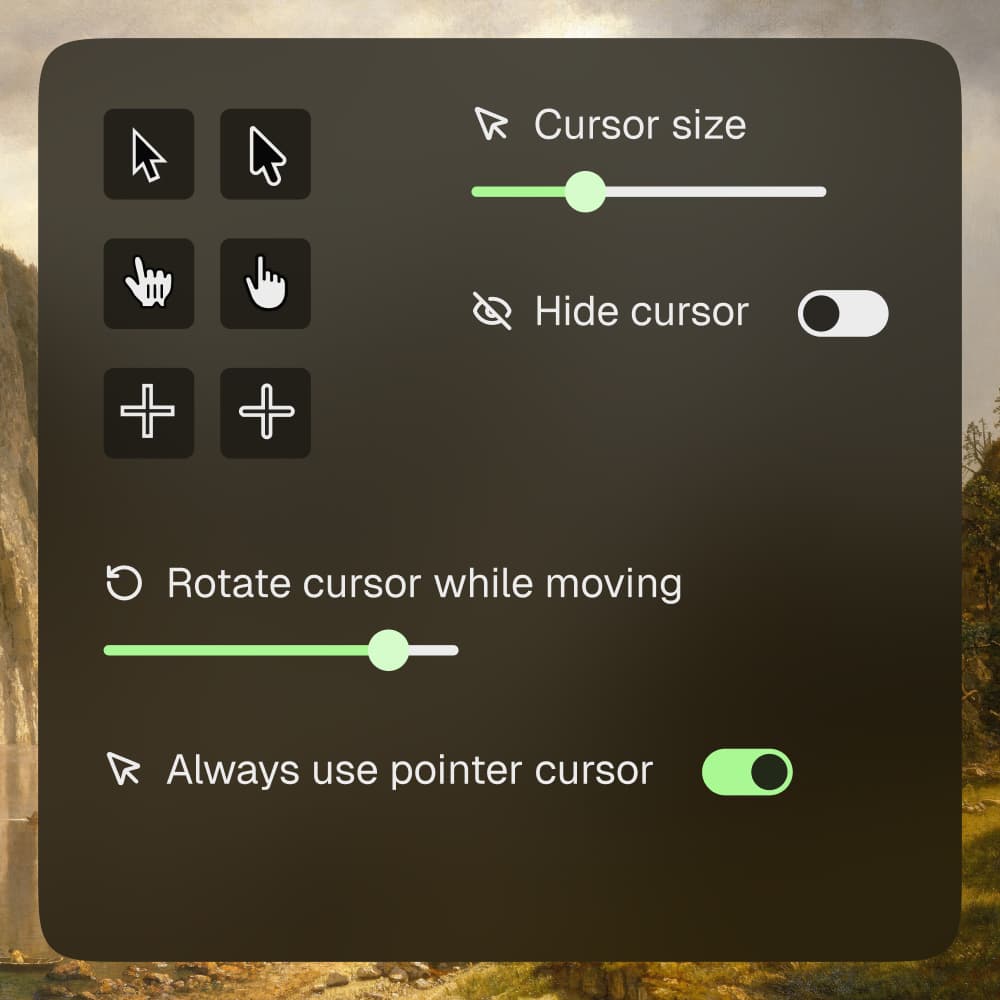
Cursor Settings

Cursor Settings

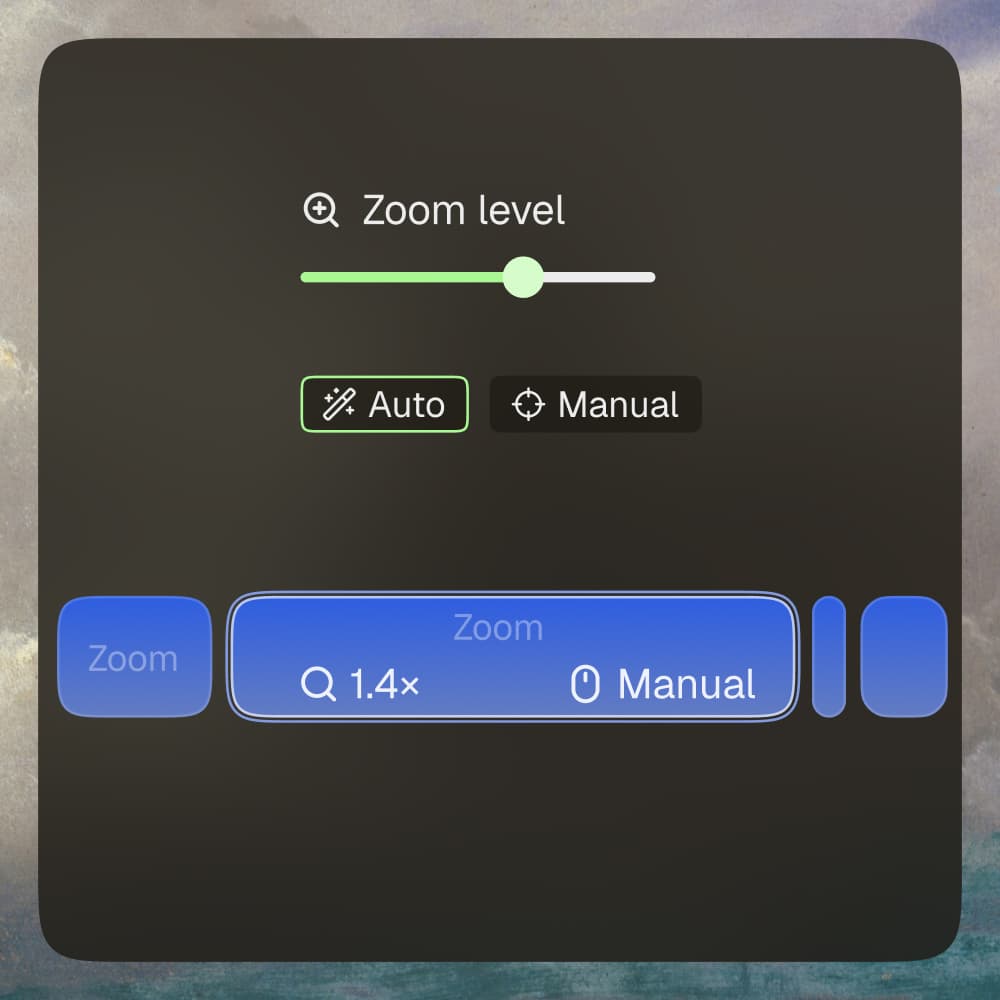
Smart Zooms
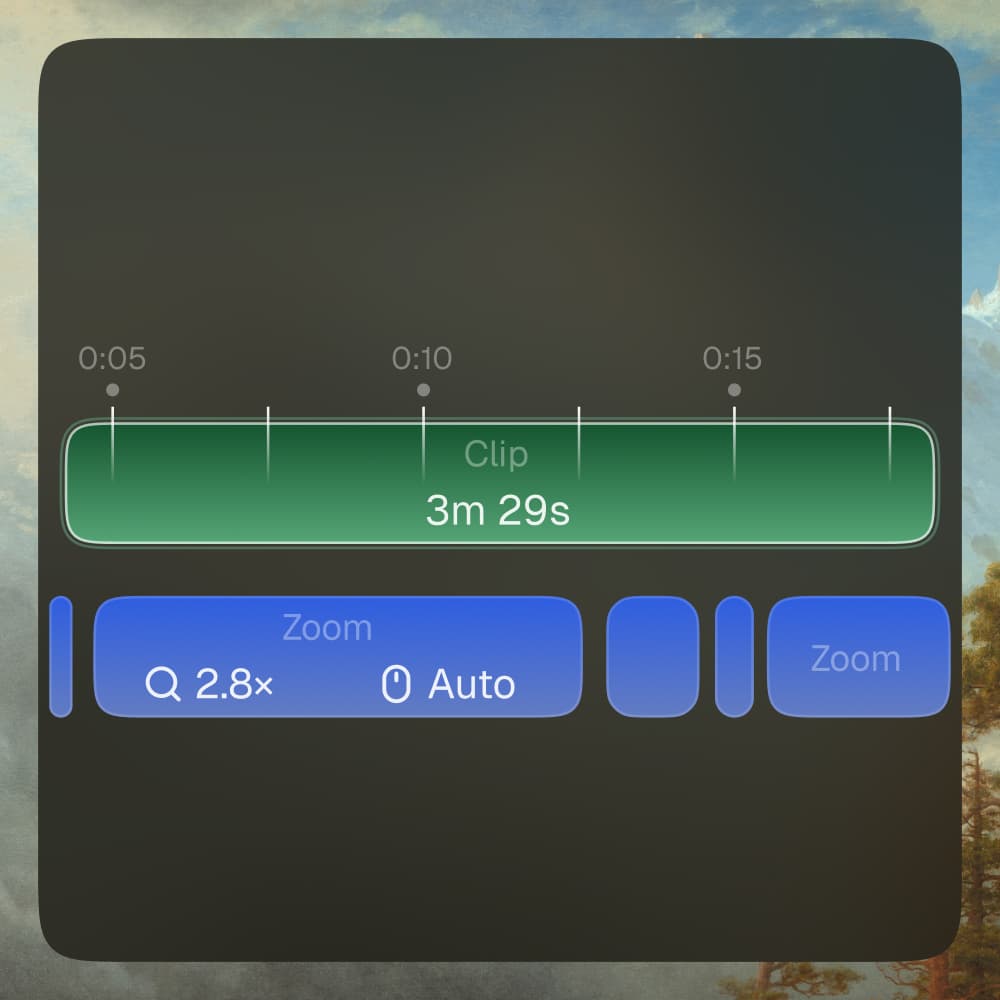
Smart Zooms

Timeline Editor

Timeline Editor

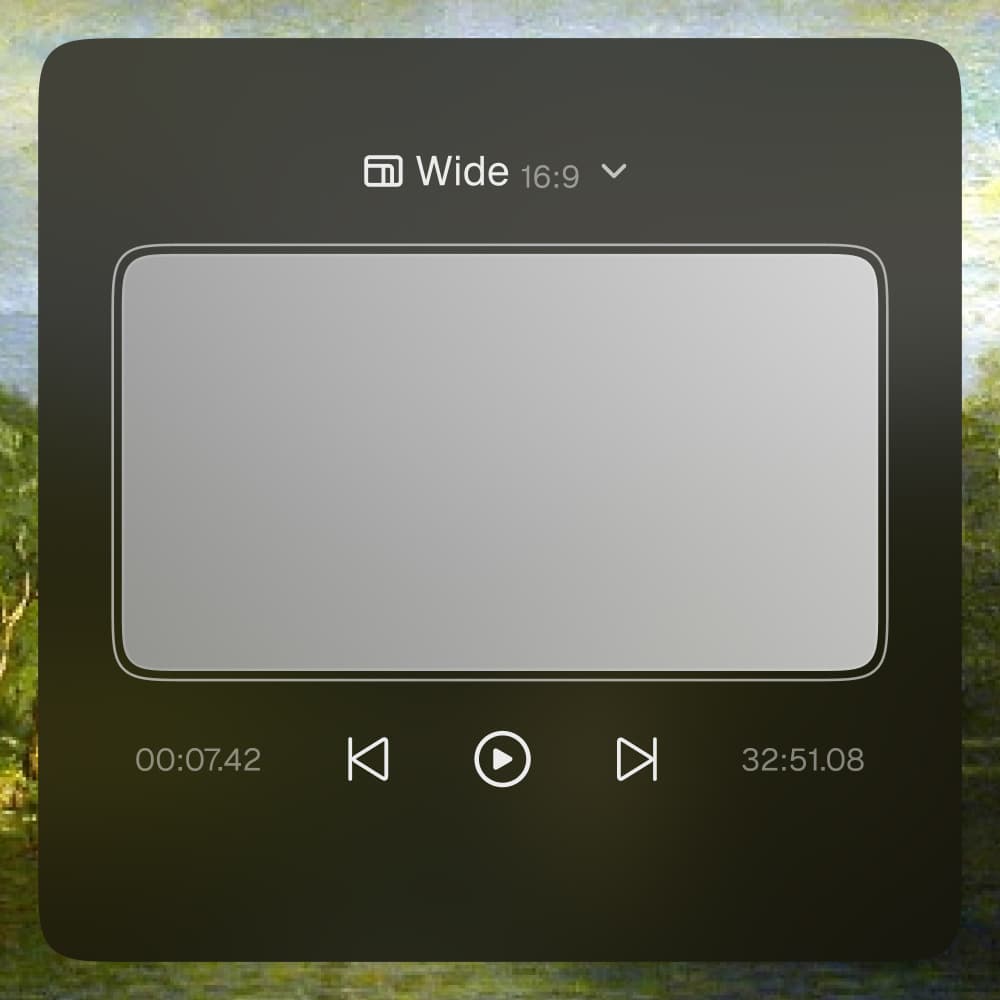
Preview Engine

Preview Engine

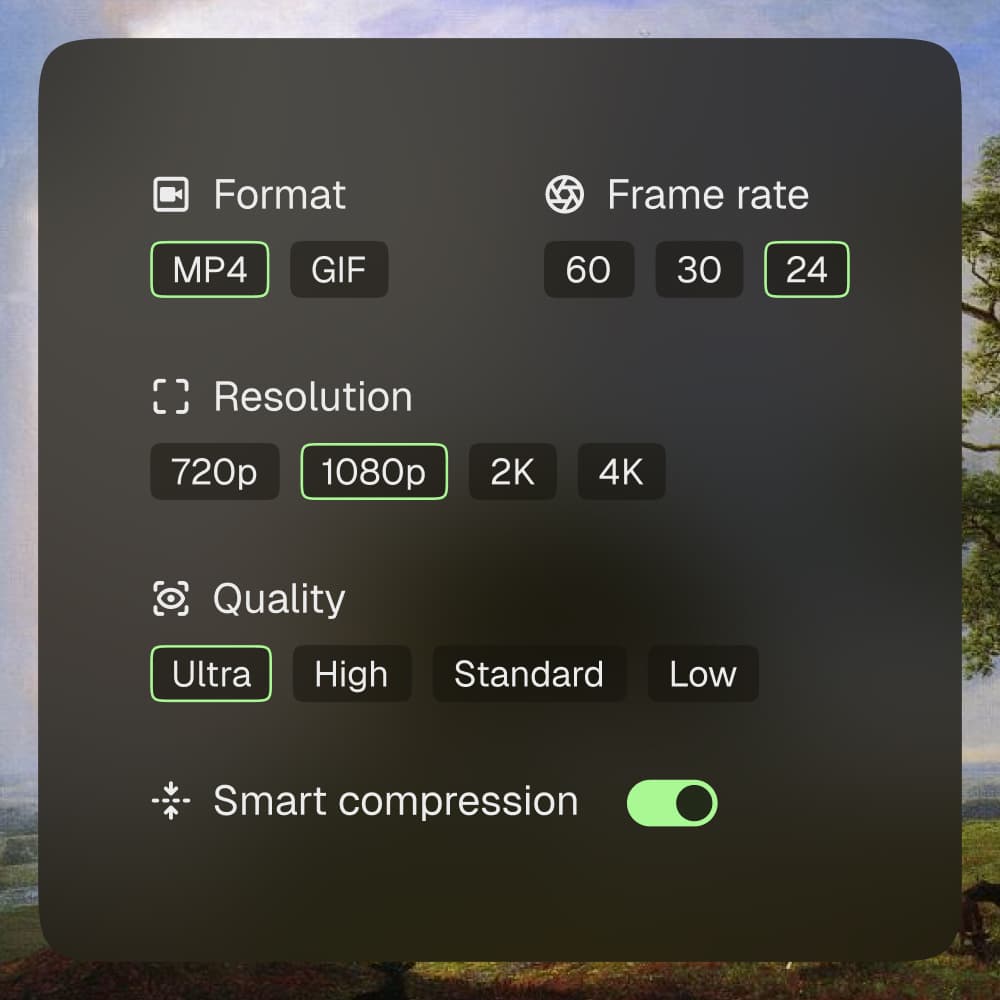
Export Engine

Export Engine

Made with Motion

Thousands use Motion to turn ordinary screen recordings into high-impact demos, tutorials, courses, and social content.

Beyond editing

A modern workspace designed to spark creativity, simplify sharing, and keep everything connected.
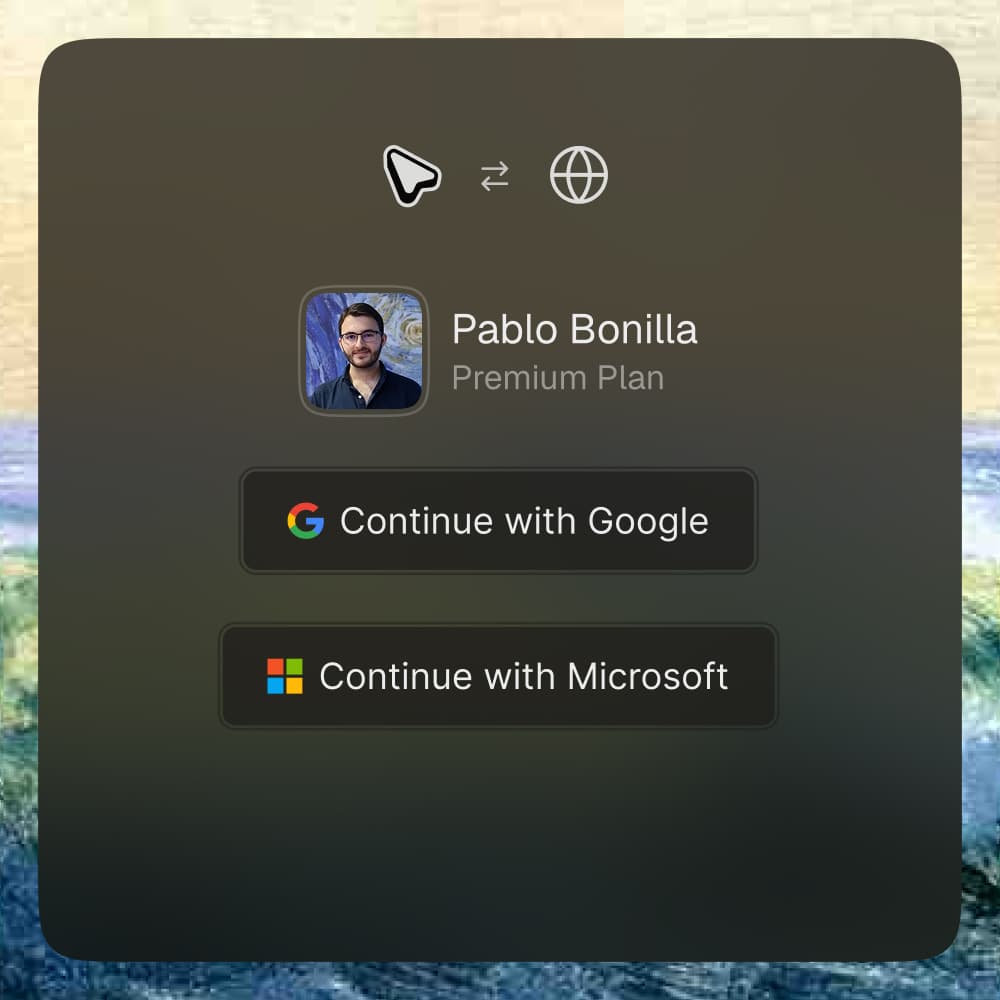
Effortless connection with your email provider.
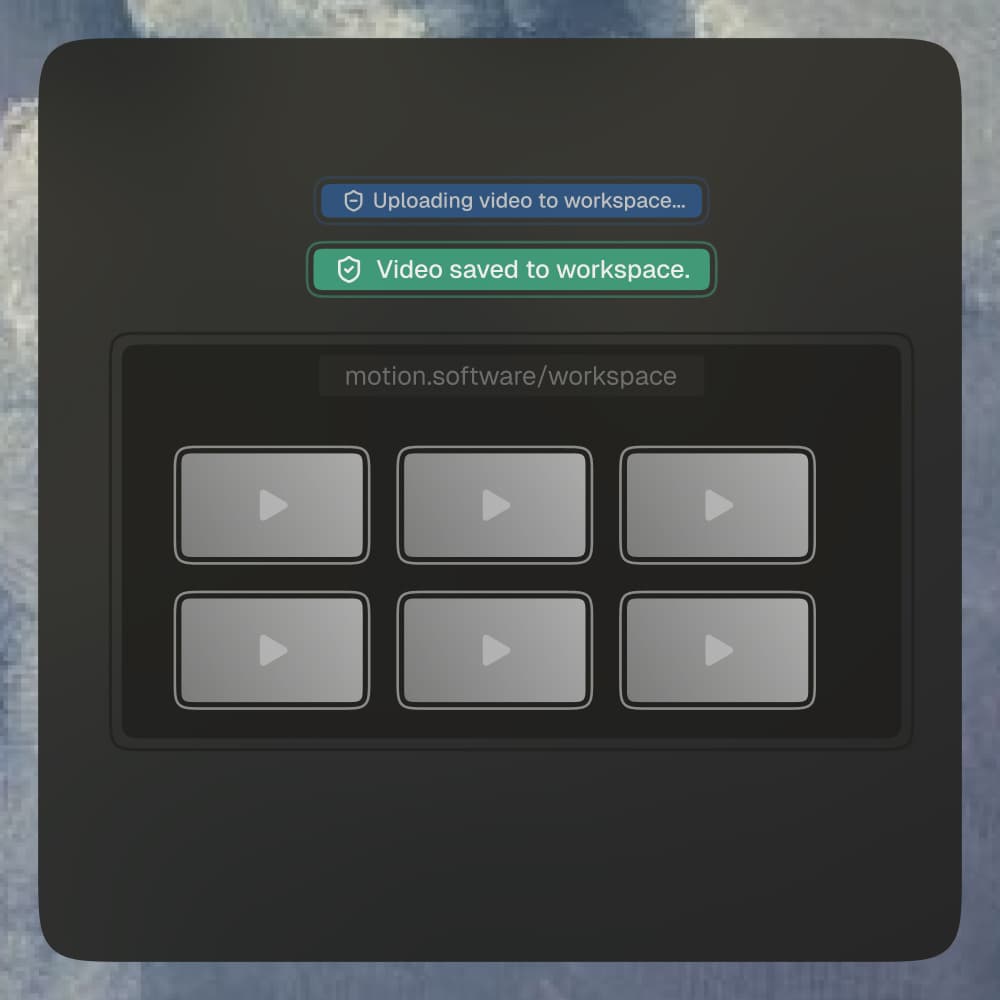
Online Account

Effortless connection with your email provider.

Your videos, synced and protected at all times.
Cloud Storage

Your videos, synced and protected at all times.

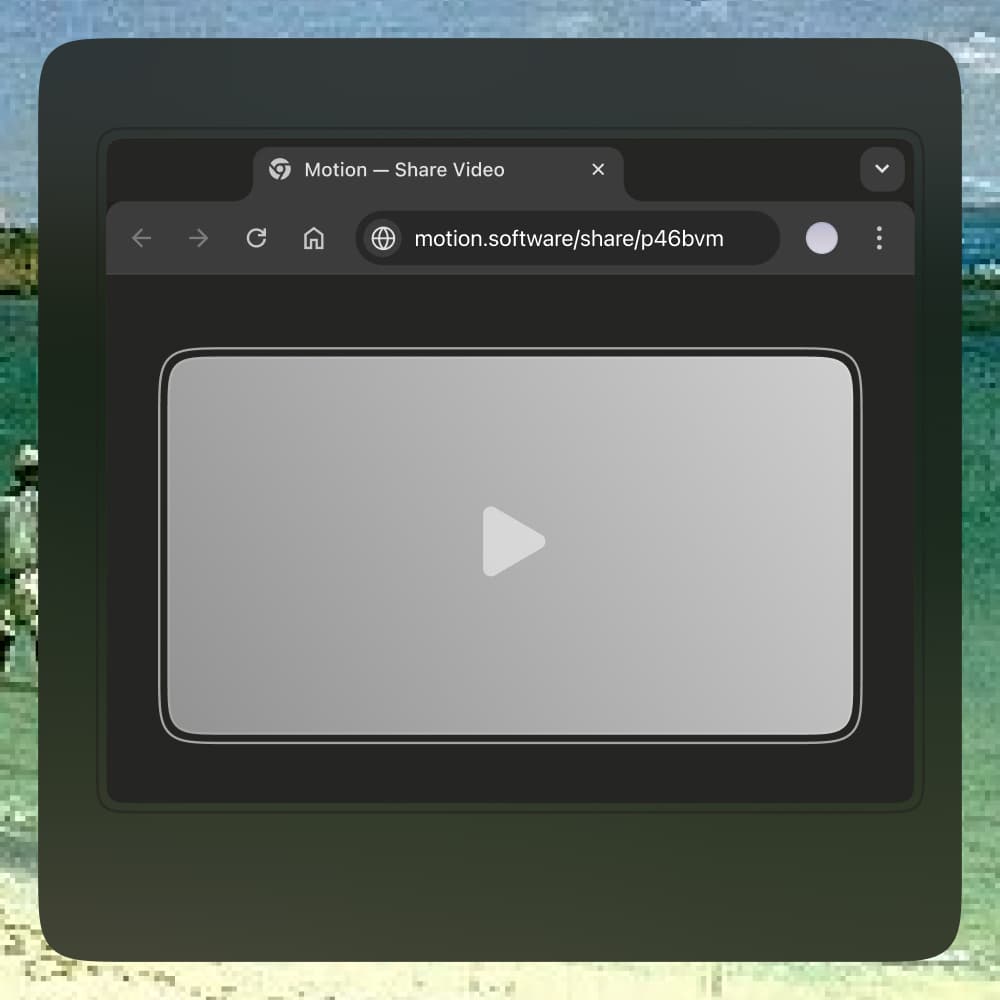
Generate a link & quickly share online.
Shareable Links

Generate a link & quickly share online.

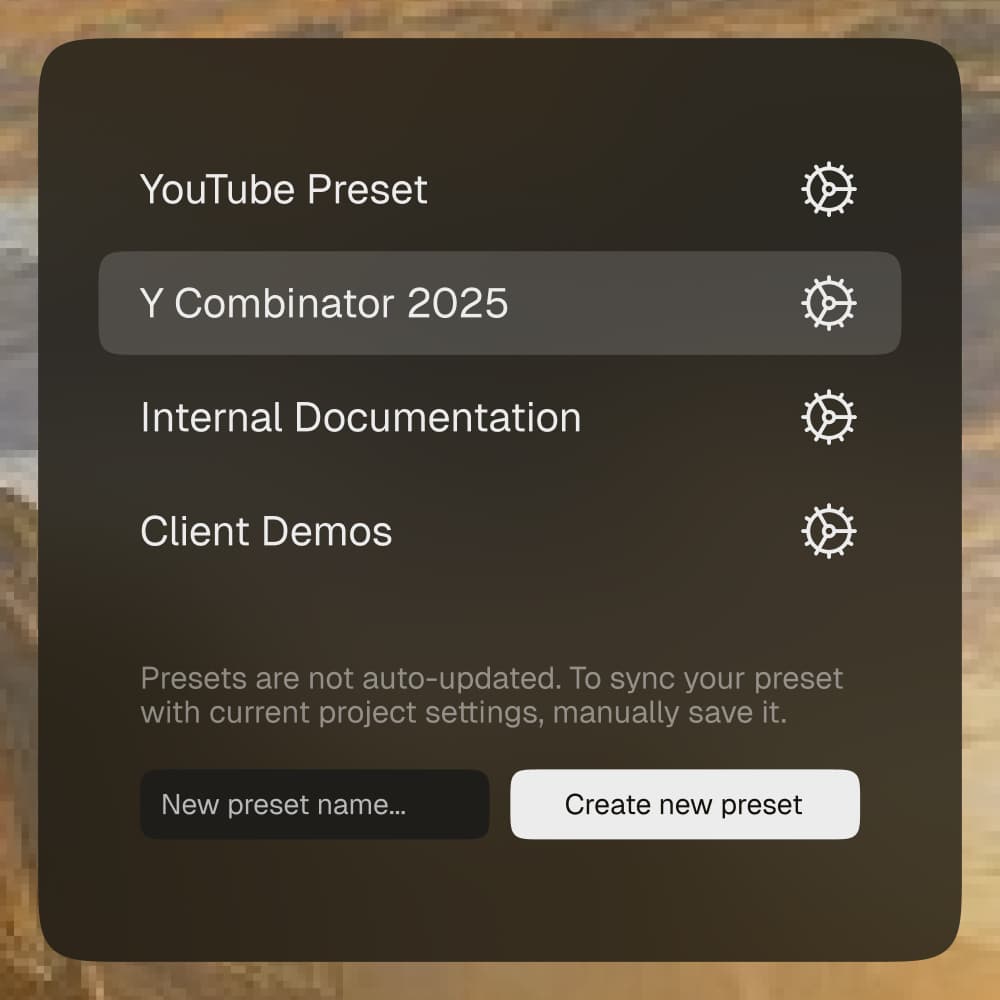
Save, reuse & share your best video templates.
Presets

Save, reuse & share your best video templates.

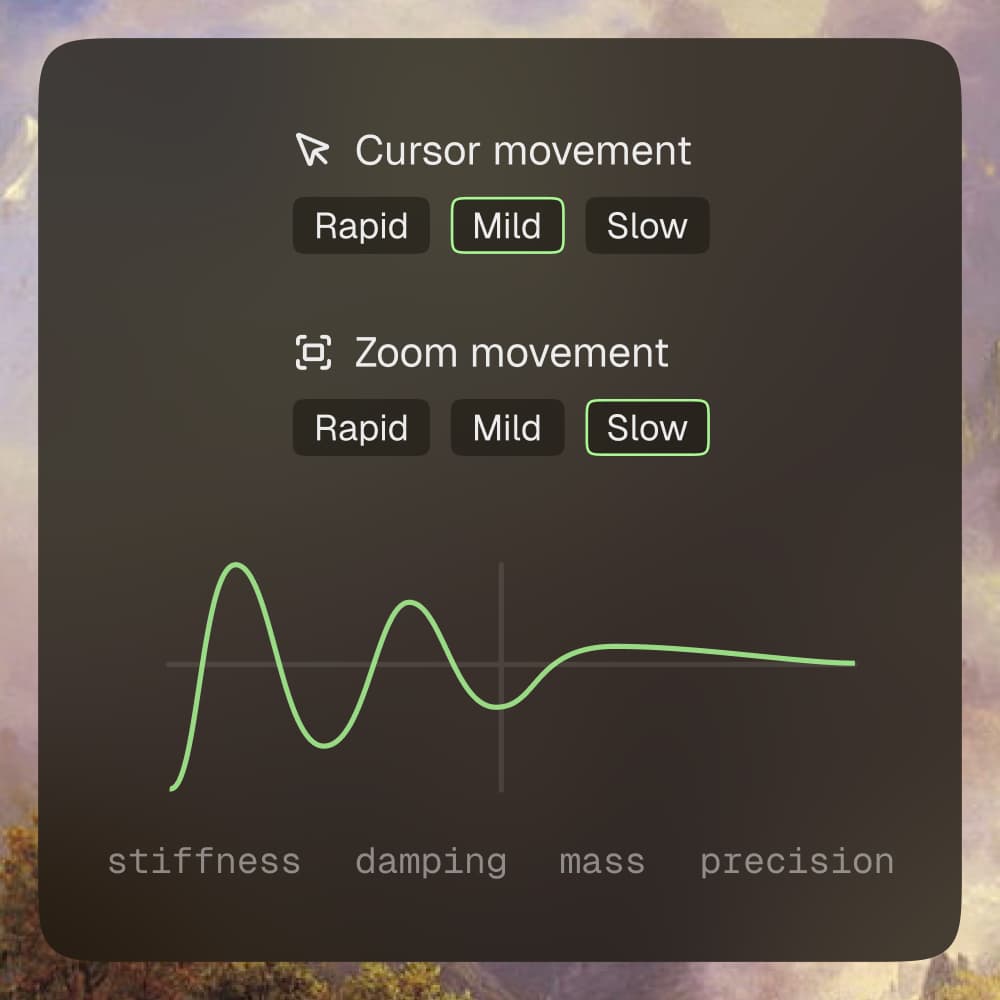
Smoothen the cursor & zoom movements.

Spring-based Animations

Smoothen the cursor & zoom movements.
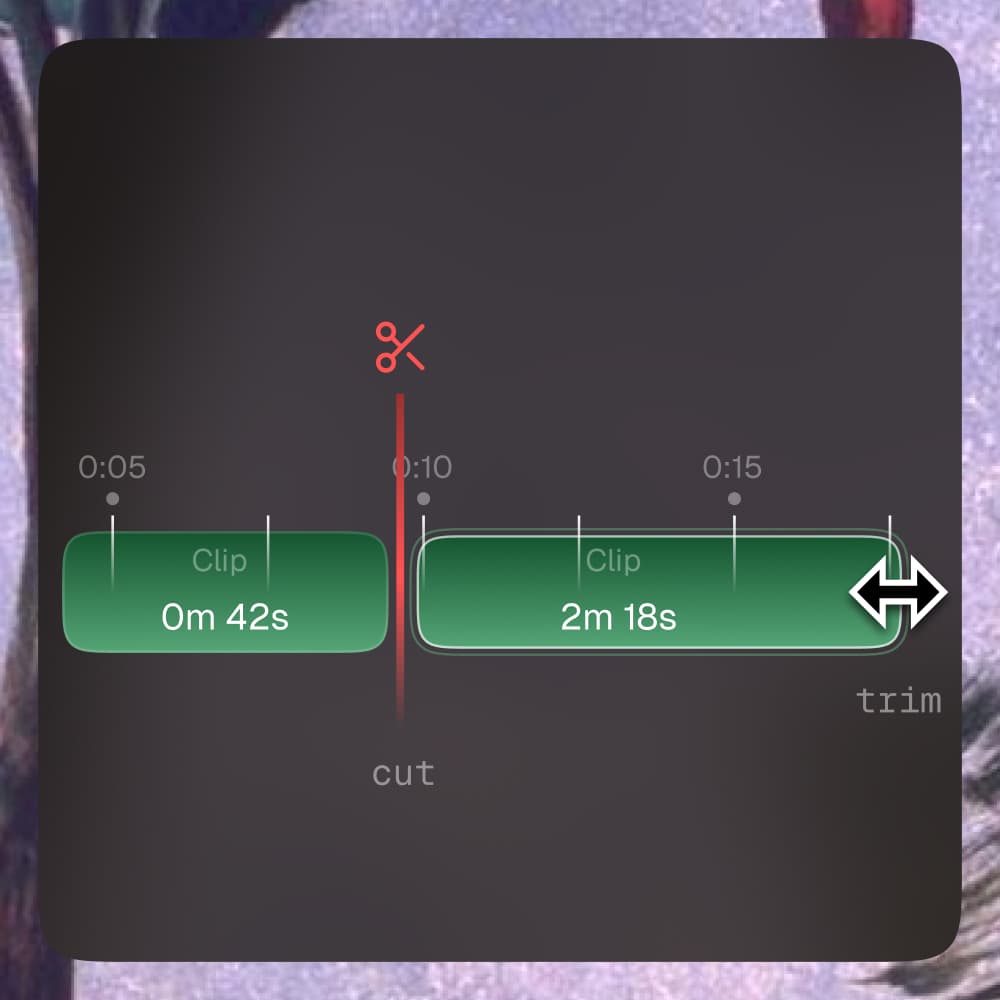
Resize the video length, and cut clips.

Trim & Split

Resize the video length, and cut clips.

Changelog

Check all latest version updates in Motion Software.

1.11.1

December 19, 2025

Enhancements & fixes on zoom animations and export engine optimization

1.11.0

November 27, 2025

Background settings: wallpaper, gradient, color & image

1.10.0

October 10, 2025

Video trimming, merging & playback speed

1.9.0

September 27, 2025

Background blur & export engine overhaul

1.8.0

September 19, 2025

Presets, area recording & Tahoe backgrounds

1.7.0

August 24, 2025

Advanced cursor visibility & behavior controls

Check what's new in Motion

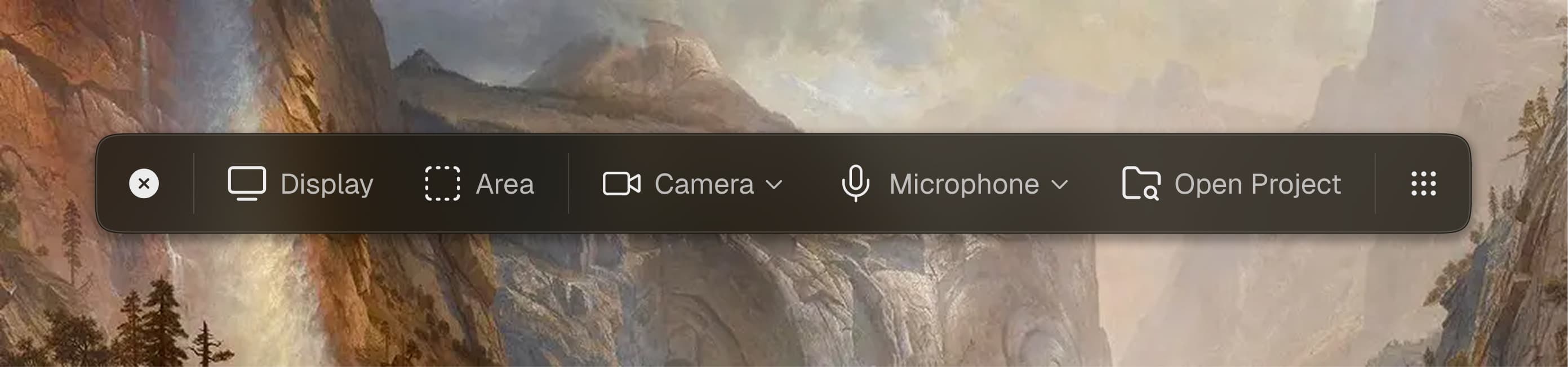
Premium screen recordings

Fully integrated custom made desktop menu to record: screen, webcam, microphone, and system audio.
Background banner

Pricing

Use Motion to level up your recordings, enjoy unlimited software updates, and full access to all features.

Free

$0 per month

Perfect for getting started with Motion and exploring all essentials at no cost.

Download Motion

Limited Motion features

Unlimited Motion updates

Lightning-fast video exports

Basic email support

Includes watermark

Premium

$6 per month

Billed yearly

Best value

Start producing content that feels and looks professional, and ready to impress anyone.

Get Started

All Motion features

Unlimited Motion updates

Lightning-fast video exports

Priority email support

Questions & Answers

Can't find the answer here? Contact us at support@motion.software

Motion is a modern screen recorder and video editor for Windows that creates beautiful, smooth videos with effortless editing and full creative control. It processes your recordings and handles all the animations automatically.
Yes — Motion offers a Free plan that lets you record, edit, and export videos at no cost. Free exports include a small watermark. If you upgrade to Motion Premium, you get no watermark on exports plus access to all premium features in the cloud.
Motion runs on Windows 10 and Windows 11. There are no strict hardware requirements — the app will work on most modern PCs. That said, better hardware means faster exports and smoother performance, especially when handling larger or more complex videos.
Yes! Motion supports MP4 exports with customizable frame rates, resolutions, quality settings, and smart compression
Motion receives regular updates with new features, improvements, and bug fixes. We value quality over quantity, keeping Motion stable and reliable is our top priority. All updates are available to all Free & Premium plan users.
Yes, Motion can be used for both personal and commercial projects. Your license includes full commercial usage rights, so you can create videos for clients, marketing, tutorials, and more.
We are more than happy to listen to your feedback! Keeping Motion bug-free is very important, and if you have any features you would like to see in Motion, you can submit a request at: https://motionsoftware.featurebase.app
We provide email support at support@motion.software for all users. Premium plan users get priority support with faster response times. We also maintain comprehensive documentation and tutorials.